The best portable photo printers balance print size, paper type, and how you plan to connect and share from your phone. Choose a pocket Zink printer for quick sticky-backed snapshots, or a dye-sublimation model when you want traditional photo-paper prints in a portable format.
Quick Top Products
KODAK Mini 2 Retro

- Prints compact photos with 4PASS dye-sublimation technology and a protective lamination layer.
- Connects to compatible iOS and Android phones through Bluetooth and the KODAK app.
- Includes 38 sheets, four cartridges, a USB Type-C cable, and a user guide.
Best For: Travelers and scrapbookers who want compact 2x3-inch color prints with paper and cartridges included.

HP Sprocket Select

- Prints 2.3 x 3.4-inch photos from a smartphone or social media.
- Uses Zink sticky-backed paper without toner or ribbon replacements.
- Connects with iOS and Android through Bluetooth 5.1.
Best For: Phone photographers who want portable Zink prints in a larger-than-pocket format.
Liene Pearl K100
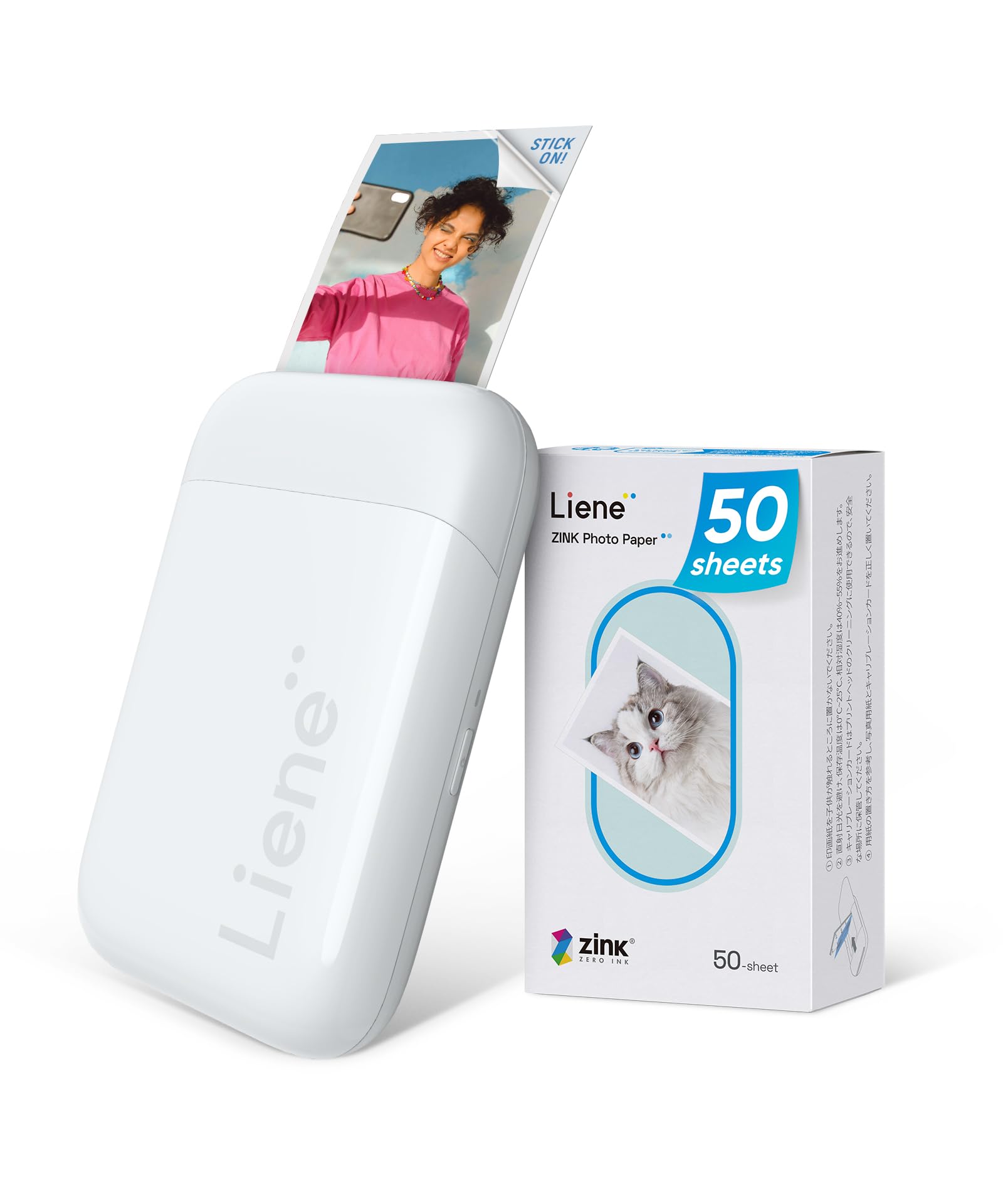
- Includes 50 sheets of 2x3-inch adhesive Zink paper.
- Connects to iOS and Android with Bluetooth 5.2 without needing Wi-Fi.
- The product notes give a wireless print count of up to 30 photos per charge.
Best For: Phone users who want a pocket-size Zink printer with 50 adhesive sheets included.
KODAK Step Instant Printer

- Prints 2x3-inch sticky-backed photos using Zink technology.
- Connects to iOS and Android through Bluetooth or NFC.
- The rechargeable battery supports up to 25 photos per full charge.
Best For: Crafters and travelers who want a small Zink printer with app editing and a rechargeable battery.
Liene Pearl N200 Pro
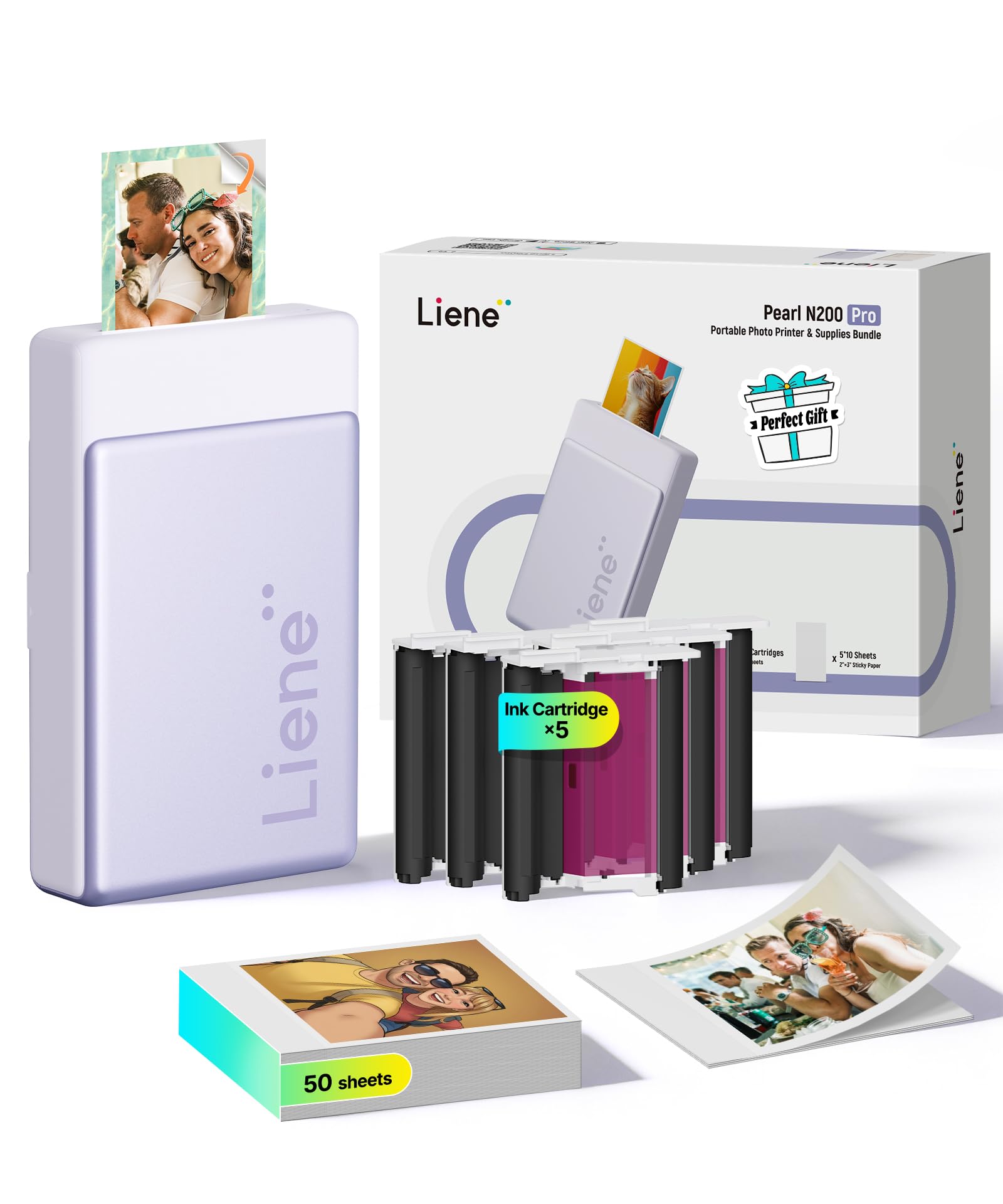
- Uses thermal dye-sublimation technology for 2x3-inch adhesive prints.
- Supports multi-device pairing for group printing.
- Includes 50 sheets of paper and five cartridges.
Best For: Users who want compact 2x3-inch dye-sublimation prints, creative app tools, and group printing.
HP Sprocket 3x4
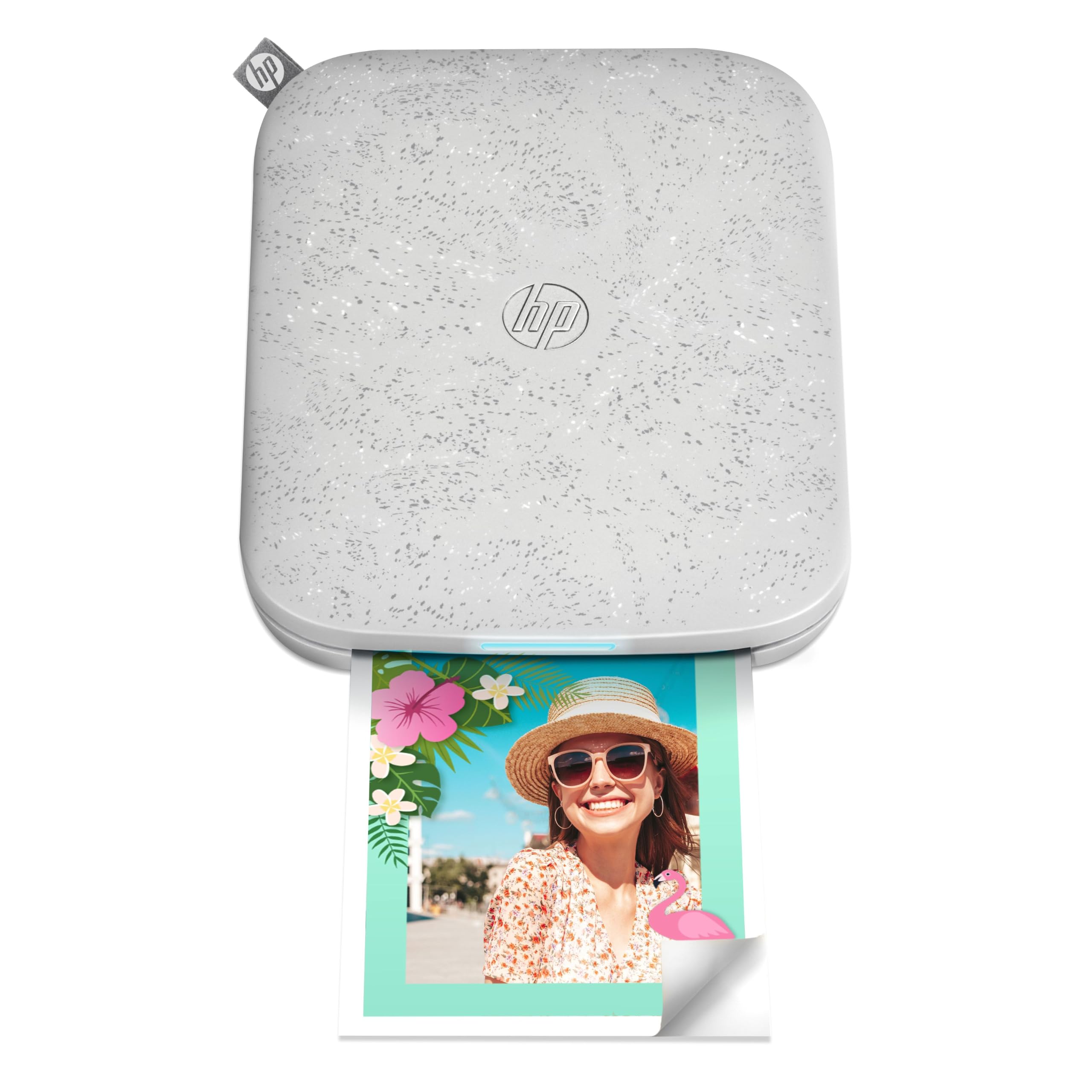
- Prints 3.5 x 4.25-inch photos using Zink technology.
- Connects to iOS and Android phones over Bluetooth.
- Supports multiple users and in-app photo customization.
Best For: Travelers who want sticky-backed prints larger than pocket snapshots and phone-based Bluetooth printing.
Nelko PP01
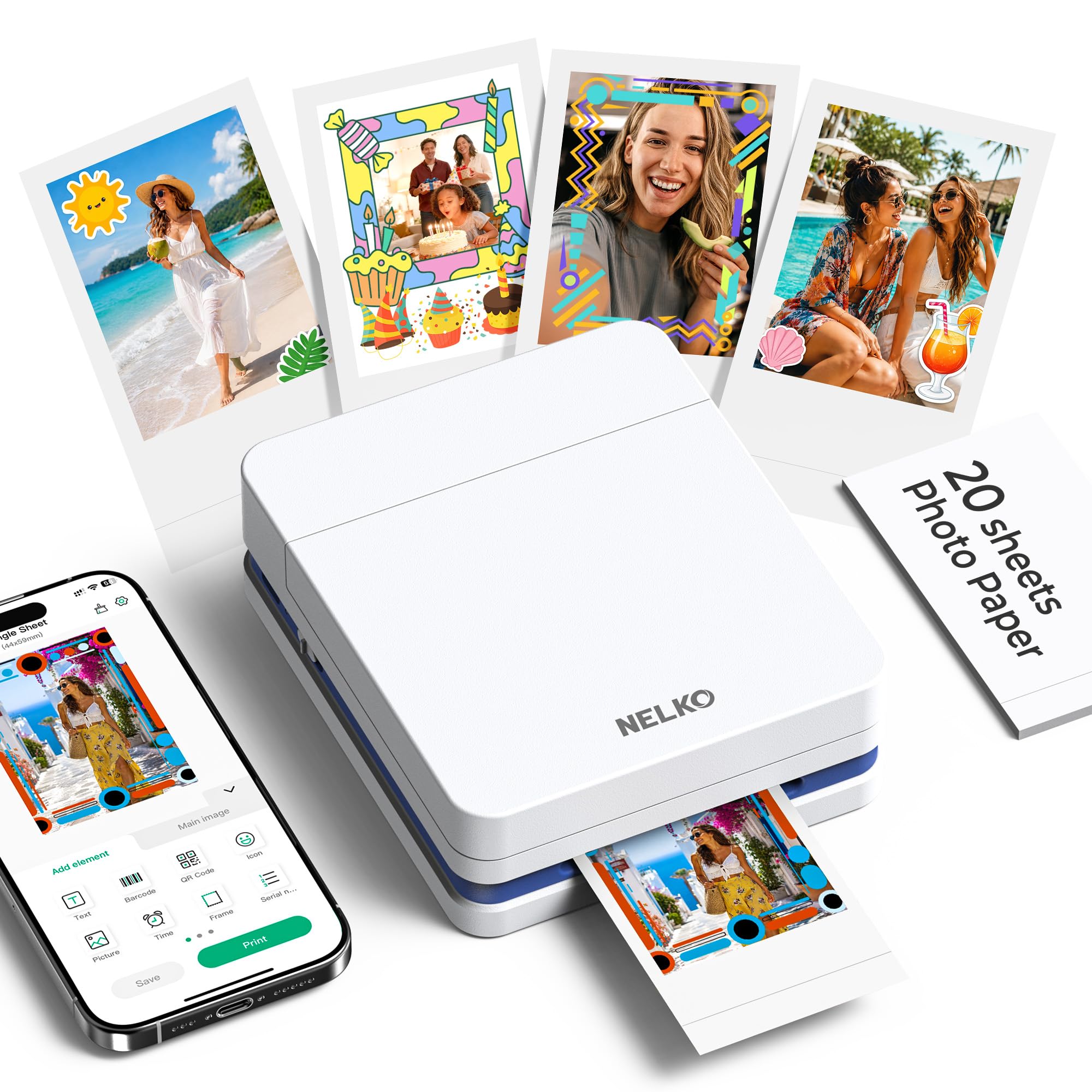
- Uses inkjet technology for 2x3-inch adhesive photo prints.
- Connects to iOS and Android phones through Bluetooth and the Nelko app.
- Each ink cartridge is rated for up to 80 full-color prints.
Best For: Crafters looking for a 2x3-inch adhesive photo printer with inkjet output and app editing.
Kodak Dock Premium
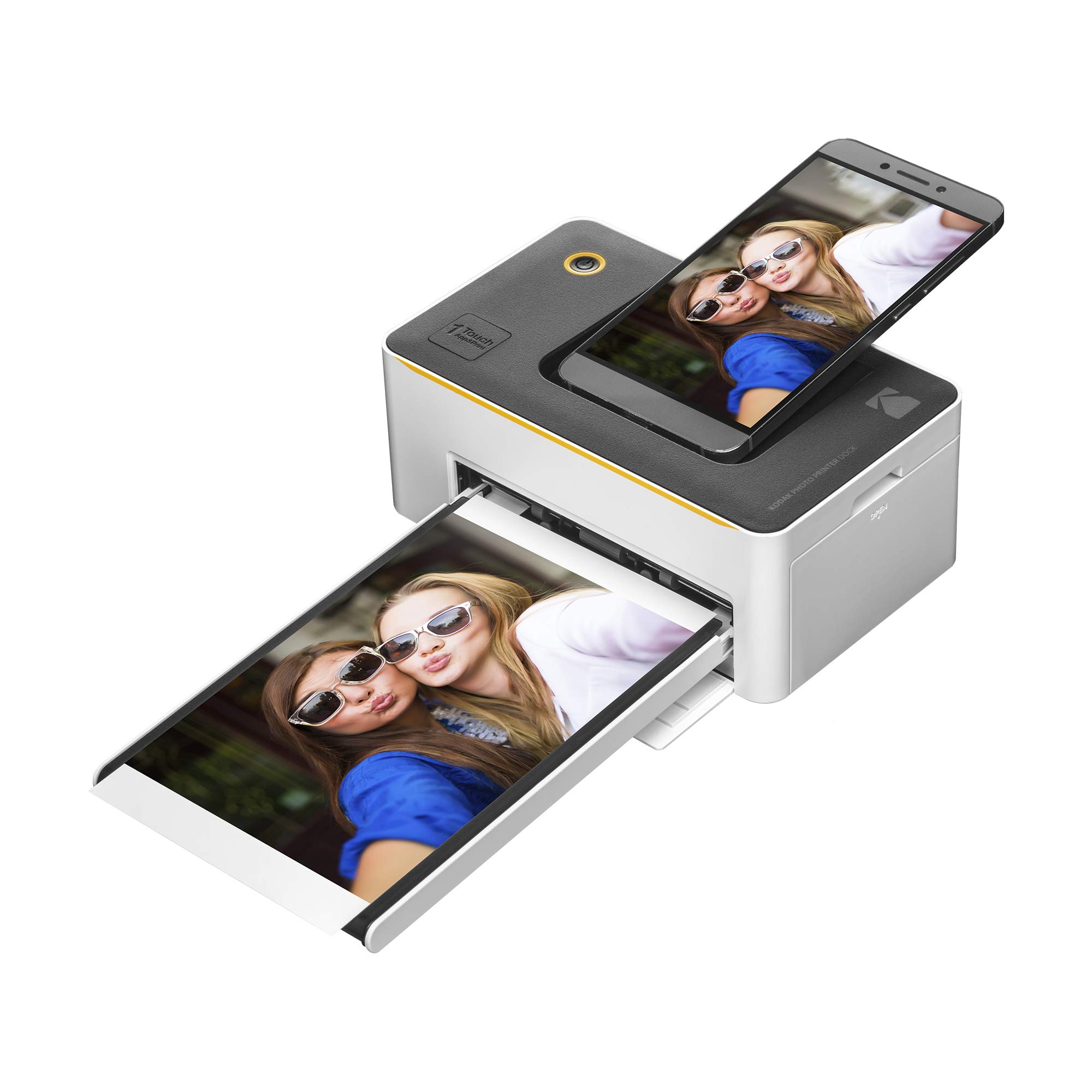
- Prints full-color 4x6-inch photos using 4PASS technology.
- Connects over Bluetooth and works with the Kodak app on iOS and Android.
- Includes a starter cartridge and 10 sheets.
Best For: Phone users who want portable 4x6-inch dye-sublimation prints with a docking connector.
KODAK Mini 3 Retro
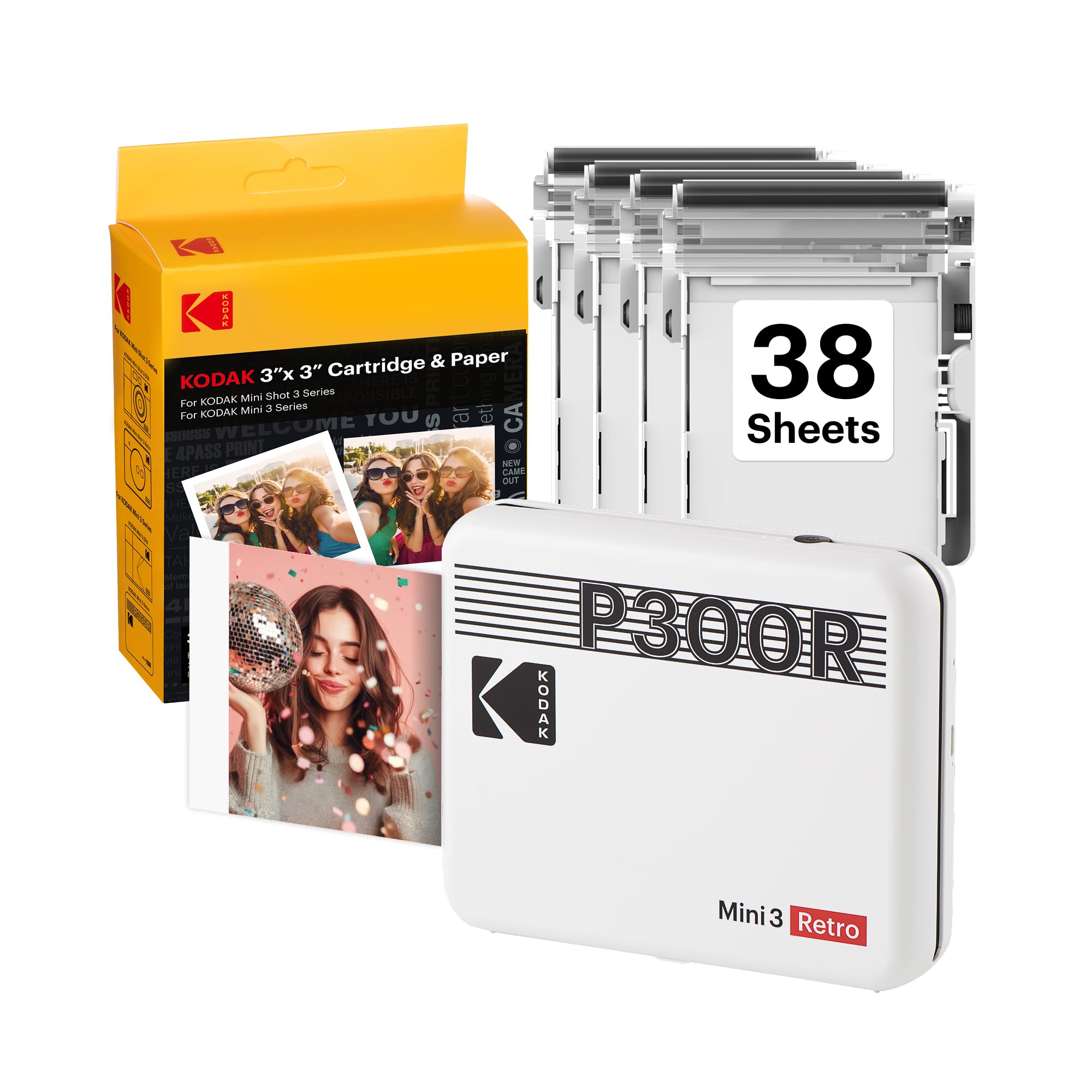
- Produces square prints with 4PASS dye-sublimation technology.
- Includes 38 sheets, four cartridges, a USB Type-C cable, and a guide.
- Connects to iOS and Android via Bluetooth and the Kodak app.
Best For: Scrapbookers and event hosts who prefer square prints with portable Bluetooth operation.
KODAK Dock Plus
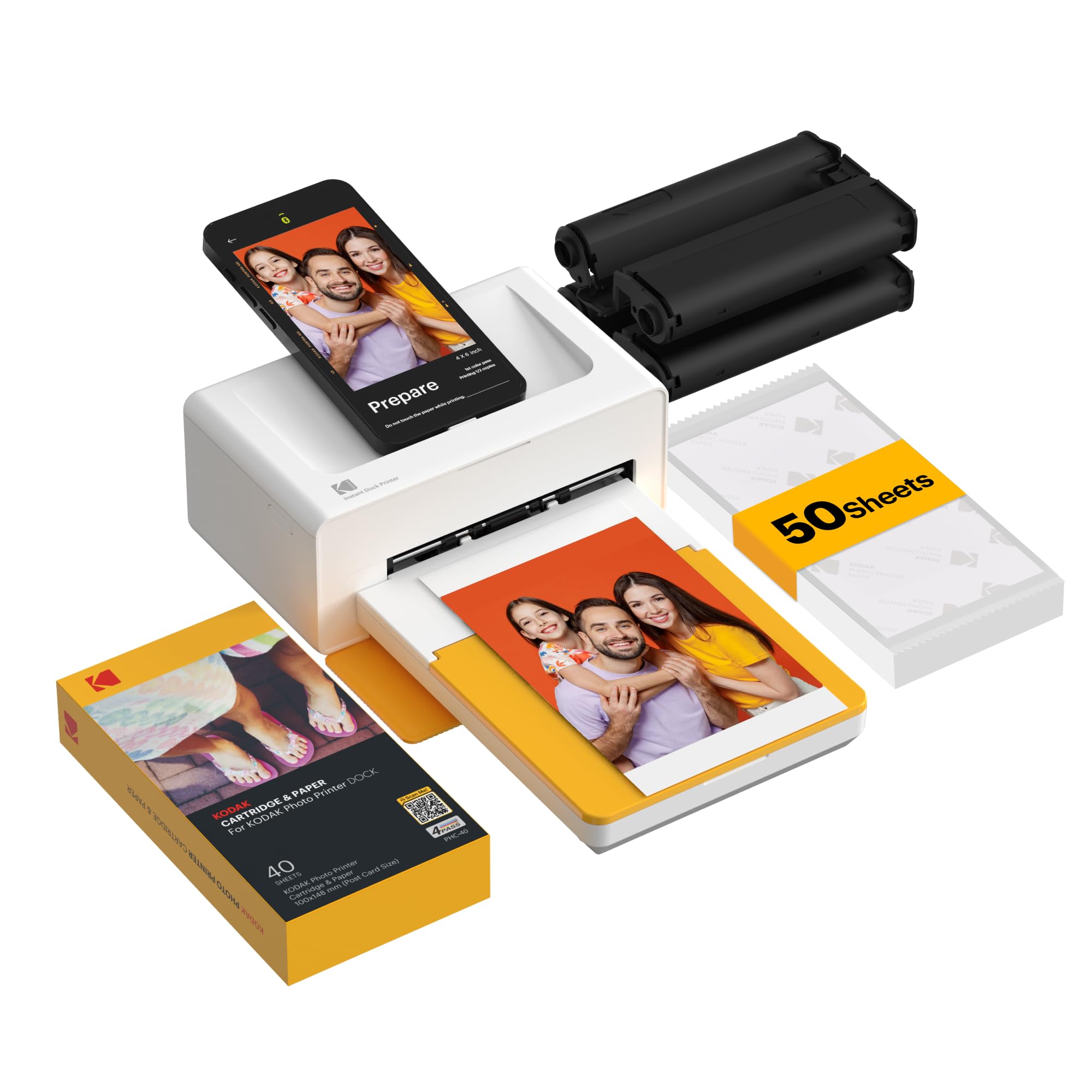
- Prints 4x6-inch photos using 4PASS dye sublimation.
- The docking station charges a compatible phone while printing.
- Connects to iOS and Android devices through Bluetooth and the Kodak app.
Best For: Households wanting 4x6-inch phone prints and a docking station that can charge a phone while printing.
Portable Dye-Sublimation Prints
KODAK Mini 2 Retro 2x3 Portable Photo Printer, 38 Sheets, Bluetooth Smartphone Printer for iPhone & Android, Instant Color Prints, 4PASS Dye Sublimation, Yellow
The KODAK Mini 2 Retro is a portable photo printer for people who want a more traditional photo finish than sticky-backed Zink prints. Its 4PASS dye-sublimation process lays down three color layers and a clear protective layer, and it connects to iOS and Android devices over Bluetooth through the KODAK Photo Printer app.
The small format suits travel journals, wallets, planners, and albums. This bundle includes 38 sheets, four cartridges, a USB Type-C cable, and a user guide, so it is ready for printing without a separate paper purchase.
Its output is about credit-card size, which keeps it easy to carry but smaller than standard prints.
Best For: Travelers and scrapbookers who want compact 2x3-inch color prints with paper and cartridges included.
| Pros | Cons |
|---|---|
|
|
Choose the Mini 2 Retro if you want compact photo-paper prints and an included supply bundle for travel, scrapbooking, or journaling. Its 4PASS process and lamination distinguish it from the Zink models in this guide, while the credit-card-size output is less suited to larger framed photos.
Check the cost and availability of compatible paper and cartridges before buying more supplies. The product details do not give a battery print count, so confirm how you plan to power it for longer outings.
Larger Sticky-Back Prints
HP Sprocket Select 2.3x3.4 Instant Photo Printer, Print Pictures on Zink Sticky-Backed Paper from Your iOS & Android Device, Portable Printer for Home Use and Travel, Eclipse
The HP Sprocket Select prints 2.3 x 3.4-inch photographs from a smartphone or social media account, giving you a little more room than common pocket formats. It uses Zink sticky-backed paper, with colors embedded in the paper instead of separate toner or ribbon.
Bluetooth 5.1 connects it to iOS and Android devices, and the HP app adds frames, filters, and custom sticker options. A hashtag-to-print feature can bring social photos into the app quickly.
Its slim, rechargeable design suits home use and travel, though buyers should account for the dedicated Zink paper when estimating ongoing costs.
Best For: Phone photographers who want portable Zink prints in a larger-than-pocket format.
| Pros | Cons |
|---|---|
|
|
This is a practical pick if you want a pocketable printer but prefer its larger print format. The social tagging and editing tools also suit people who print directly from a phone library or social account.
Its Zink process avoids separate ink or toner, but it still depends on compatible photo paper. Confirm what paper comes with the specific offer and compare refill availability before choosing it for frequent printing.
50-Sheet Zink Starter Bundle
Liene Pearl K100 2x3” Photo Printer, Mini Instant Portable Color Picture Printer Bundle 50 Zink Adhesive Paper, Bluetooth 5.2 Compatible w/iOS & Android Small Phone Sticker for iPhone Smartphone White
The Liene Pearl K100 is a compact 2x3-inch Zink printer bundled with 50 sheets of adhesive photo paper. It connects to iOS and Android phones using Bluetooth 5.2, with no Wi-Fi connection required, which can simplify printing on trips or at gatherings.
The sliding cover makes paper loading straightforward, and the product notes say it can print up to 30 photos wirelessly on one charge. Prints use embedded dye crystals rather than cartridges, and the app includes a print-head cleaning function that uses a blue calibration card.
This bundle is a good fit for stickers and small keepsakes, but the 2x3-inch size is not aimed at conventional album enlargements.
Best For: Phone users who want a pocket-size Zink printer with 50 adhesive sheets included.
| Pros | Cons |
|---|---|
|
|
Pick the K100 if the included 50-sheet supply and easy phone connection matter more than using standard-sized photo paper. It offers a useful balance for stickers, journals, and handing out small prints, with color and monochrome options depending on the paper.
The app-only printing workflow is a real constraint if you prefer printing from other software. Check that you are comfortable using the Liene app and factor in separate monochrome paper if you want black-and-white output.
Pocket Printer with Rechargeable Battery
KODAK Step Instant Smartphone Photo Printer, Portable Mini Color Wireless Mobile Printer, Zink 2x3” (5.1x7.5 cm) Sticky-Back Photos, Bluetooth Compatible with iOS & Android Devices, Editing App, White
The KODAK Step is a palm-sized 2x3-inch printer for quick, adhesive-backed color photos from iOS or Android devices. It pairs over Bluetooth or NFC and uses Zink paper, so there are no ink or toner cartridges to install.
The rechargeable battery is specified for up to 25 photos on a full charge, making it suitable for a short outing or casual craft session. The KODAK app supports collages, filters, borders, stickers, and text, which adds flexibility for journals and personalized labels.
It comes with a starter pack of Zink paper and a charging cable, but the exact paper quantity is not provided in the supplied details.
Best For: Crafters and travelers who want a small Zink printer with app editing and a rechargeable battery.
| Pros | Cons |
|---|---|
|
|
Choose the Step for a familiar pocket-printer setup with a rechargeable battery, broad editing tools, and either Bluetooth or NFC pairing. Its stated 25-photo charge capacity helps set expectations for a trip, while the adhesive format is best for stickers, planners, and small keepsakes.
The included paper quantity is unclear, so check the package details if the starter supply matters. For larger, non-adhesive prints, consider a model designed for that format.
Dye-Sublimation Pocket Printer
Liene Pearl N200 Pro Portable Photo Printer, Instant Mini Picture Printer for iPhone Smartphone, Thermal Dye Sublimation, Bluetooth Sticker Printer 50 Sheets 2x3 Adhesive Paper & 5 Cartridges, Purple
The Liene Pearl N200 Pro combines a compact format with thermal dye-sublimation printing and adhesive paper. The supplied details describe a compact design, Bluetooth connection, multi-device pairing, and a one-charge output of up to 27 stickers.
Its app adds frames, stickers, timestamps, watermarks, and AI-assisted background tools, while an InstaPic mode supports a shoot-and-print workflow using built-in camera filters. This printer is aimed at creative instant keepsakes and party sharing, rather than standard prints.
The listed package includes 50 sheets and five cartridges, but check which paper and cartridge formats are compatible before replenishing supplies.
Best For: Users who want compact 2x3-inch dye-sublimation prints, creative app tools, and group printing.
| Pros | Cons |
|---|---|
|
|
The N200 Pro suits people who want more creative app controls and group printing in a portable sticker format. Its dye-sublimation approach differs from the Zink models, and its stated package has both paper and cartridges, so ongoing supply compatibility deserves a check.
The 2x3-inch maximum media size makes it less versatile for standard album prints. Consider whether the direct camera mode and app effects are useful to your routine before paying for those added features.
Larger 3x4 Travel Prints
HP Sprocket 3x4 Instant Photo Printer – Wirelessly Print 3.5x4.25” Photos on Zink Paper from iOS & Android Devices
The HP Sprocket 3x4 expands beyond typical pocket-printer output, making 3.5 x 4.25-inch Zink photos for scrapbooks, lockers, and displays. It connects an iOS or Android device over Bluetooth, and the app lets you add stickers, borders, and filters before printing.
The paper is sticky-backed and designed to resist water and smudges, while the portable form is intended to fit in a bag or backpack. Multiple users can connect, which can help at gatherings.
Check the exact compatible paper and its availability before buying, since this model uses a larger Zink format than pocket printers.
Best For: Travelers who want sticky-backed prints larger than pocket snapshots and phone-based Bluetooth printing.
| Pros | Cons |
|---|---|
|
|
Select this model when a larger sticky-backed image is more important than the smallest possible printer or paper format. It retains phone-based Bluetooth printing and app editing, while the larger Zink paper is a format-specific supply to check before purchase.
Its multiple-user support may suit a shared scrapbook or event setting. Compare the actual paper availability and price with other pocket-format options before settling on this format.
Inkjet Photo-Quality Claims
Nelko Photo Printer, 2x3 Portable Wireless Smartphone Printer, PP01 Mini Color Instant Inkjet Printer, Sticky-Back Photos, Bluetooth Compatible with iOS & Android, App Editing, White
The Nelko PP01 stands apart from most pocket photo printers here by using inkjet technology rather than Zink or dye-sublimation. It prints 2x3-inch sticky-backed color photos from an iOS or Android phone over Bluetooth, using the Nelko app for editing and layout options.
The notes say each cartridge can print up to 80 photos, and the printer weighs 0.6 pounds. Its app includes filters, stickers, text, collages, and AI editing tools for journaling and crafts.
The package includes a USB charging cable, but not a power adapter. Check the cartridge replacement cost and availability before buying, since this model relies on ink cartridges.
Best For: Crafters looking for a 2x3-inch adhesive photo printer with inkjet output and app editing.
| Pros | Cons |
|---|---|
|
|
Consider the PP01 if you want a small adhesive photo printer and value its app editing suite or the stated per-cartridge yield. The tradeoff is that ink cartridges are part of the printing workflow, unlike Zink models that use embedded dye crystals in the paper.
The product is light enough for travel, but check replacement cartridge cost and confirm you have a suitable charging adapter. Its 2x3-inch output is for small keepsakes, labels, and craft projects.
Dockable 4x6 Prints
Kodak Dock Premium 4x6” Portable Instant Photo Printer, Bluetooth Edition | Full Color Photos, 4Pass & Lamination Process | Compatible with iOS, Android,Devices (2021 Edition)
The Kodak Dock Premium combines portable positioning with larger 4x6-inch dye-sublimation prints. Bluetooth printing works with compatible iOS and Android devices through the Kodak app, which also offers stickers, frames, and filters.
The model includes a USB-C docking pin and a Lightning connector for iOS devices, plus a starter cartridge with 10 sheets. Its 4PASS process lays down color in layers and finishes with lamination intended to resist fingerprints and water.
The 4x6 format is closer to standard album and frame sizes than pocket sticker prints, but it takes more room to carry and the included paper supply is modest.
Best For: Phone users who want portable 4x6-inch dye-sublimation prints with a docking connector.
| Pros | Cons |
|---|---|
|
|
Choose the Dock Premium if 4x6 prints and direct docking options fit your phone setup better than pocket-size output. It offers a conventional photo size and laminated 4PASS finish, but its included 10-sheet starter supply is small compared with bundles that contain dozens of sheets.
Confirm that the included connector matches your device and check the printer's footprint before planning to carry it regularly. It is portable in intent, though less pocket-oriented than mini sticker printers.
Square Dye-Sublimation Prints
KODAK Mini 3 Retro 3x3 Portable Photo Printer, 4PASS, 38 Sheets, White | Bluetooth, iPhone & Android Smartphone Compatible, Smudge-Proof, Water-Resistant, Fade-Resistant
The KODAK Mini 3 Retro is a portable dye-sublimation printer designed for compact square photos. Its 4PASS process prints three color layers and adds a clear protective lamination, with Bluetooth connection and editing through the KODAK Photo Printer app on iOS or Android.
The square format suits scrapbooks, albums, photo booths, and creative displays where a different shape is useful. This bundle includes 38 sheets, four cartridges, a USB Type-C cable, and a user guide.
It remains small enough for a bag or pocket, but square prints are not as flexible as standard rectangular photos when you want conventional framing.
Best For: Scrapbookers and event hosts who prefer square prints with portable Bluetooth operation.
| Pros | Cons |
|---|---|
|
|
The Mini 3 Retro is the format-specific choice for people who prefer square pictures for albums and creative layouts. It shares the Mini series' portable 4PASS approach and included 38-sheet supply, but its output shape is the key decision.
If you primarily frame or store conventional rectangular photos, consider a model designed for that format instead. Before buying, check ongoing cartridge and paper availability, and confirm power arrangements for travel because a battery print count is not given.
Home-First 4x6 Dock Printer
KODAK Dock Plus 4x6'' Photo Printer, 50 Sheets, Docking & Bluetooth Smartphone Printer for iPhone & Android, Instant Color Prints, 4PASS Dye Sublimation
The KODAK Dock Plus is a home-oriented printer for 4x6-inch smartphone photos. Its docking station holds a compatible phone and charges it during printing, while Bluetooth offers another connection option for iOS and Android devices.
The 4PASS dye-sublimation process applies three color layers and clear lamination, and the Kodak app supports editing before printing. This is a useful fit for family albums, framed photos, and regular tabletop printing.
It is designed for a stable desktop setup and a power outlet, so it is less convenient for portable use than pocket printers even though the product category sometimes uses the word portable.
Best For: Households wanting 4x6-inch phone prints and a docking station that can charge a phone while printing.
| Pros | Cons |
|---|---|
|
|
The Dock Plus suits people who want larger household prints and will keep the printer near an outlet. Its dock is useful for phone placement and charging, while 4PASS output provides a more conventional photo format than pocket printers.
The powered desktop setup is the central tradeoff for a roundup focused on portability. Check the included paper and cartridge supply before purchase, and choose a smaller battery-powered model if printing away from home is a priority.
How to Choose Portable Photo Printers
How We Picked Portable Photo Printers
We selected products that print photographs from a phone and can reasonably travel with the user, then covered distinct use cases instead of filling the guide with color variants. The picks include pocket-size Zink printers for sticky-backed snapshots, compact dye-sublimation models for small photo-paper output, and larger portable printers for 3x4 or 4x6 prints.
We left out document and label machines because their output is not a fit for color photo printing.
Print format is a practical first filter. A 2x3-inch printer suits journals, planners, and quick keepsakes.
A 3x3 square printer can fit scrapbook layouts, while 3.5x4.25 or 4x6 output gives more room for albums and frames. Paper dimensions, adhesive backing, and included starter supplies affect both what you can make and what you need to buy next.
Comparing Portable Photo Printers
The smallest models lean on Zink paper, which embeds color in the paper and avoids separate ink or toner. HP Sprocket Select and Liene Pearl K100 illustrate this approach in different print sizes and app workflows.
The KODAK Step also uses Zink, with Bluetooth or NFC pairing and a stated battery output of up to 25 photos per full charge. The Nelko PP01 takes a different route with inkjet cartridges, so its per-cartridge yield and replacement cost deserve attention.
Dye-sublimation printers use paper and cartridges together. The KODAK Mini 2 Retro and Mini 3 Retro include 38 sheets and four cartridges, while the Liene Pearl N200 Pro combines 2x3 adhesive output with app effects and multi-device pairing.
For larger photos, the Kodak Dock Premium and KODAK Dock Plus produce 4x6 prints; the former includes a docking connector, while the latter is designed for a powered desktop setup and phone charging.
| Product | Standout features | Best for |
|---|---|---|
| KODAK Mini 2 RetroCheck Price |
| Travelers and scrapbookers who want compact 2x3-inch color prints with paper and cartridges included. |
| HP Sprocket SelectCheck Price |
| Phone photographers who want portable Zink prints in a larger-than-pocket format. |
| Liene Pearl K100Check Price |
| Phone users who want a pocket-size Zink printer with 50 adhesive sheets included. |
| KODAK Step Instant PrinterCheck Price |
| Crafters and travelers who want a small Zink printer with app editing and a rechargeable battery. |
| Liene Pearl N200 ProCheck Price |
| Users who want compact 2x3-inch dye-sublimation prints, creative app tools, and group printing. |
| HP Sprocket 3x4Check Price |
| Travelers who want sticky-backed prints larger than pocket snapshots and phone-based Bluetooth printing. |
| Nelko PP01Check Price |
| Crafters looking for a 2x3-inch adhesive photo printer with inkjet output and app editing. |
| Kodak Dock PremiumCheck Price |
| Phone users who want portable 4x6-inch dye-sublimation prints with a docking connector. |
| KODAK Mini 3 RetroCheck Price |
| Scrapbookers and event hosts who prefer square prints with portable Bluetooth operation. |
| KODAK Dock PlusCheck Price |
| Households wanting 4x6-inch phone prints and a docking station that can charge a phone while printing. |
Choosing Photo Size, Paper, and Print Style
Think about where the prints will go before choosing a portable picture printer. Sticky-backed 2x3 photos suit planners, lockers, and small gifts, while a larger adhesive format can be easier to display on its own.
Square output has a distinctive scrapbook look, but rectangular albums and frames usually suit 4x6 paper better. Confirm the exact paper dimensions and whether the printer needs branded refills before ordering supplies.
Zink printing avoids cartridges, but every print still uses compatible photo paper. Dye-sublimation models need both paper and cartridges, and their protective finish can be useful for handled keepsakes.
The Nelko PP01's inkjet design also depends on cartridges. Compare the included quantity with your likely printing frequency, then check how easy it is to buy matching refills.
A generous starter pack matters less if the refill format is difficult to find.
Portable Photo Printers for Trips, Parties, and Home
For trips and spontaneous prints, check weight, battery operation, connection type, and the number of prints per charge when that figure is provided. KODAK Step gives a stated output of up to 25 photos per full charge, while the Liene K100 notes up to 30 wireless prints.
Other compact models provide no battery yield in the available details, so check the power arrangement if you expect to print away from an outlet.
For parties, multiple-device pairing can make it easier for a group to contribute photos. The HP Sprocket 3x4 and Liene Pearl N200 Pro list multi-user or multi-device support.
A 4x6 dock printer is better suited to a home station where larger prints matter more than pocket portability. Separate the question of carrying the printer from the size of its prints: a portable label can still describe a unit that is best left on a table.
Which Portable Photo Printer Fits Your Routine?
Choose a pocket Zink model if you want quick 2x3 adhesive prints for journals, planners, and sharing. The Liene Pearl K100 includes 50 sheets, while the KODAK Step adds Bluetooth or NFC connection and a stated charge capacity.
Pick the HP Sprocket Select or Sprocket 3x4 when a larger sticky-backed image is the priority, after checking the paper supply for the exact format.
For small photo-paper prints with a laminated finish, consider the KODAK Mini 2 Retro; choose the Mini 3 Retro if square output better suits your albums. The N200 Pro adds creative app tools and group printing in a small adhesive format.
If you want conventional 4x6 output, compare the Kodak Dock Premium with the home-focused KODAK Dock Plus and confirm the connector, power setup, and included supplies. For the Nelko PP01, factor in cartridge costs before making it your regular printer.